Dee view
A token playground for enterprise dashboard systems.
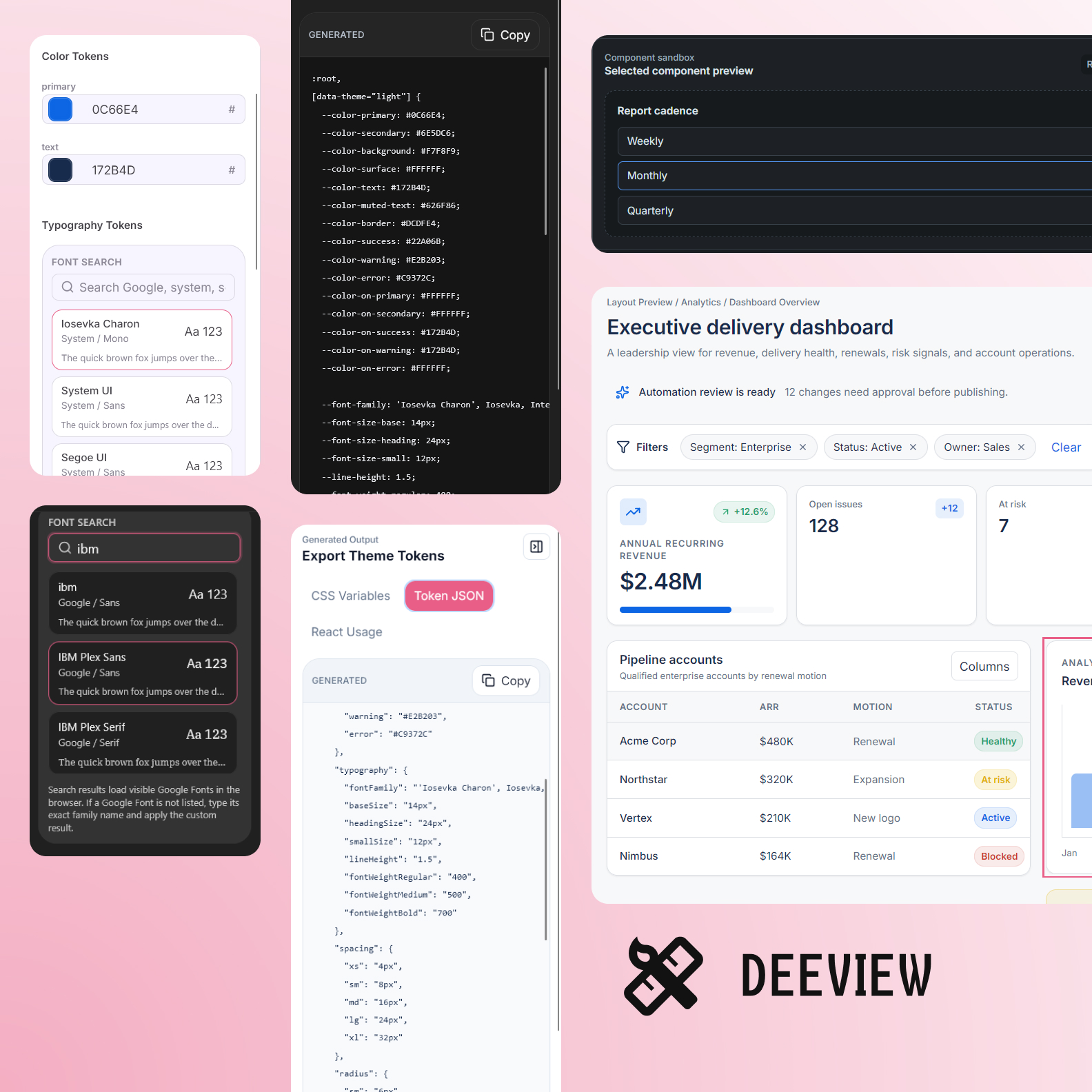
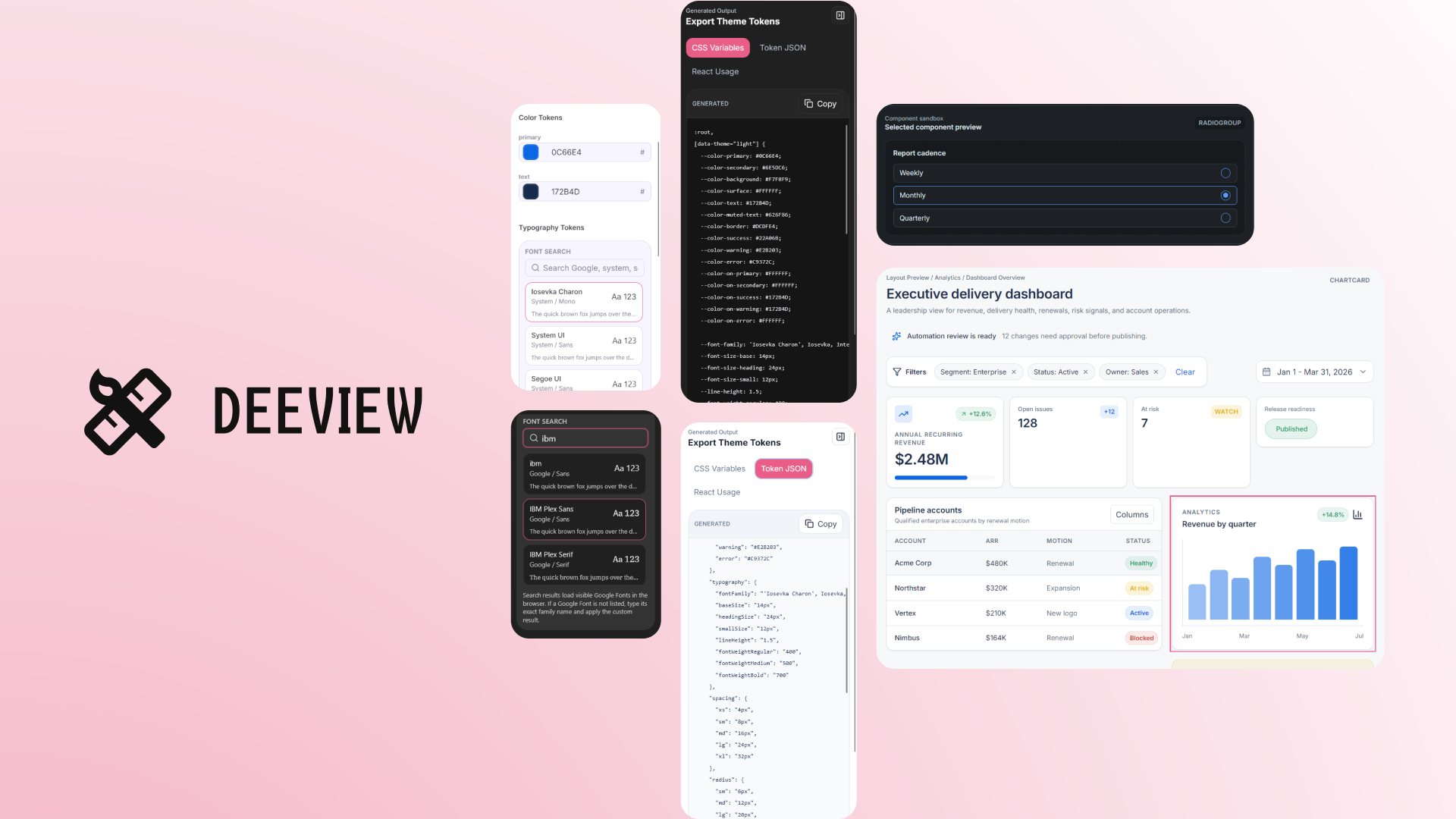
Deeview turns design tokens from abstract values into something designers and developers can see, edit, test, and export immediately. The product gives token work a live enterprise UI context instead of leaving decisions trapped inside tables, swatches, and static documentation.
The disconnect
I could read the value. But not its impact.
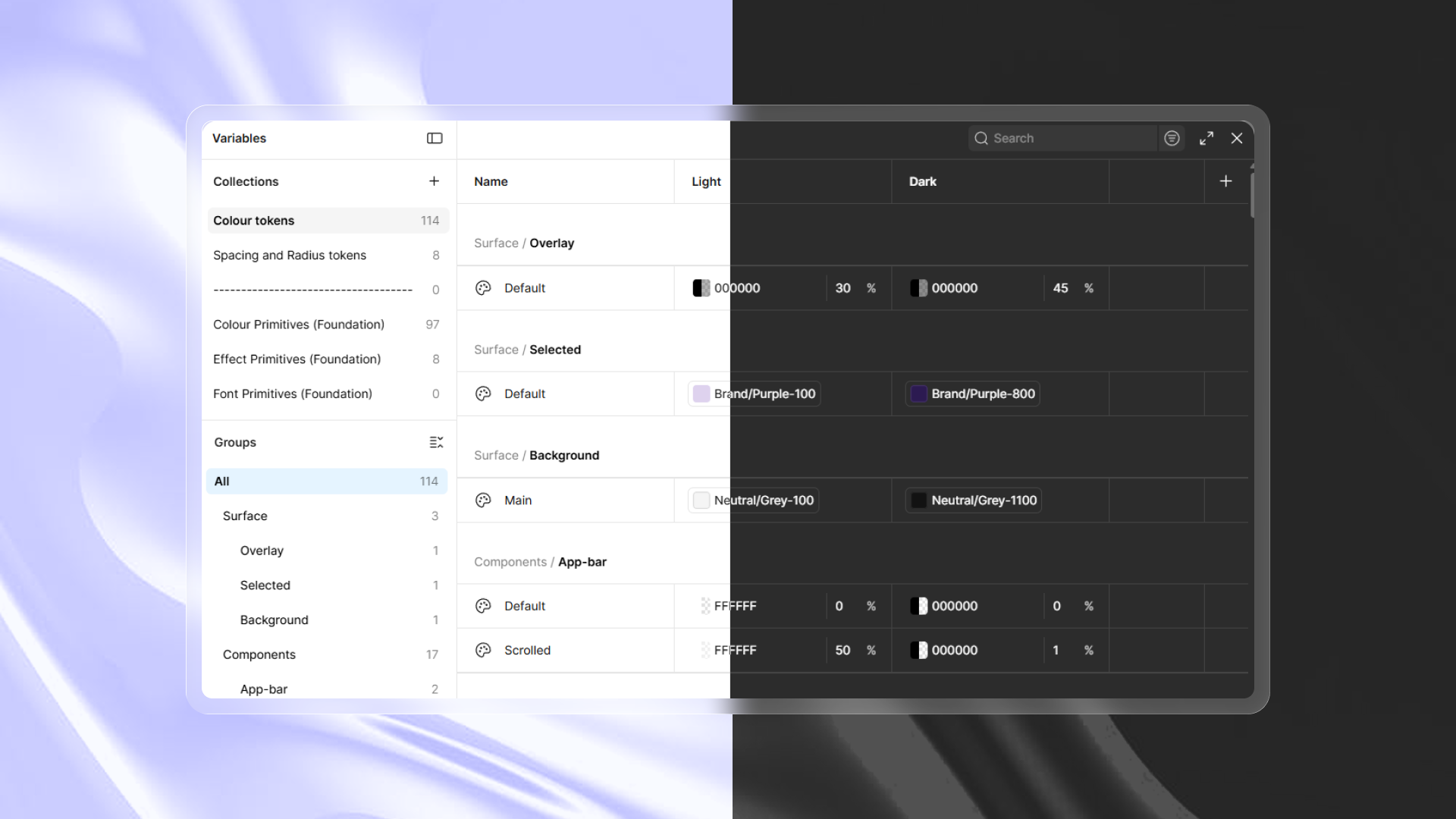
The problem I set out to solve was the distance between a token and the interface it changes. A value in a design tool, a variable in code, and a rule in documentation can describe the same decision. None of them, alone, shows what happens to a real dashboard.
So I started with one question: what if editing a token also showed its visual impact and implementation output, in the same moment?
The experiment
Make the change. See the consequence.
I built a playground around that immediate feedback. Change a token, test it against enterprise UI, then take the same decision into code. Scroll through this simplified model of the edit, preview, and export loop.
First, narrow the decision.
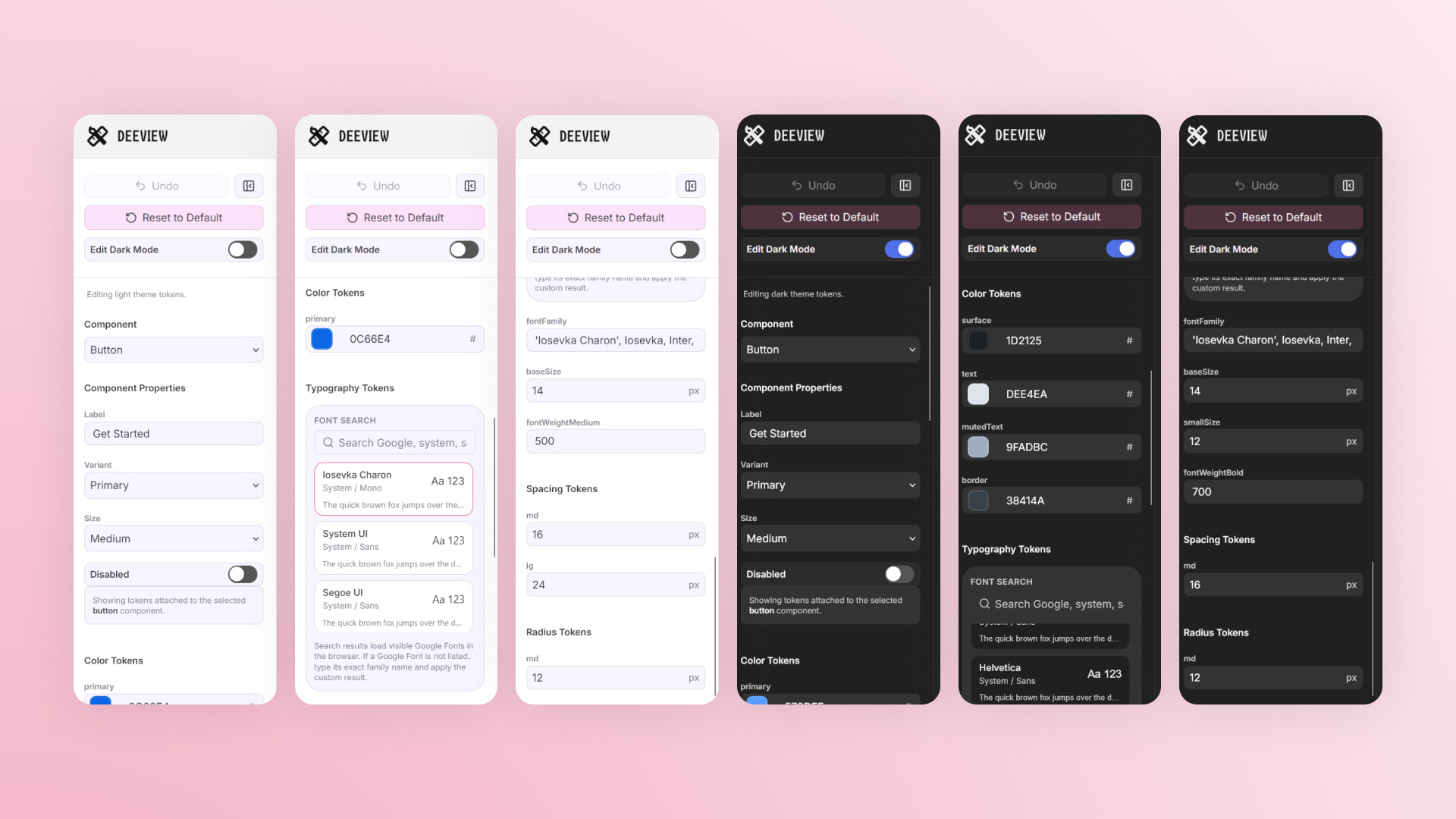
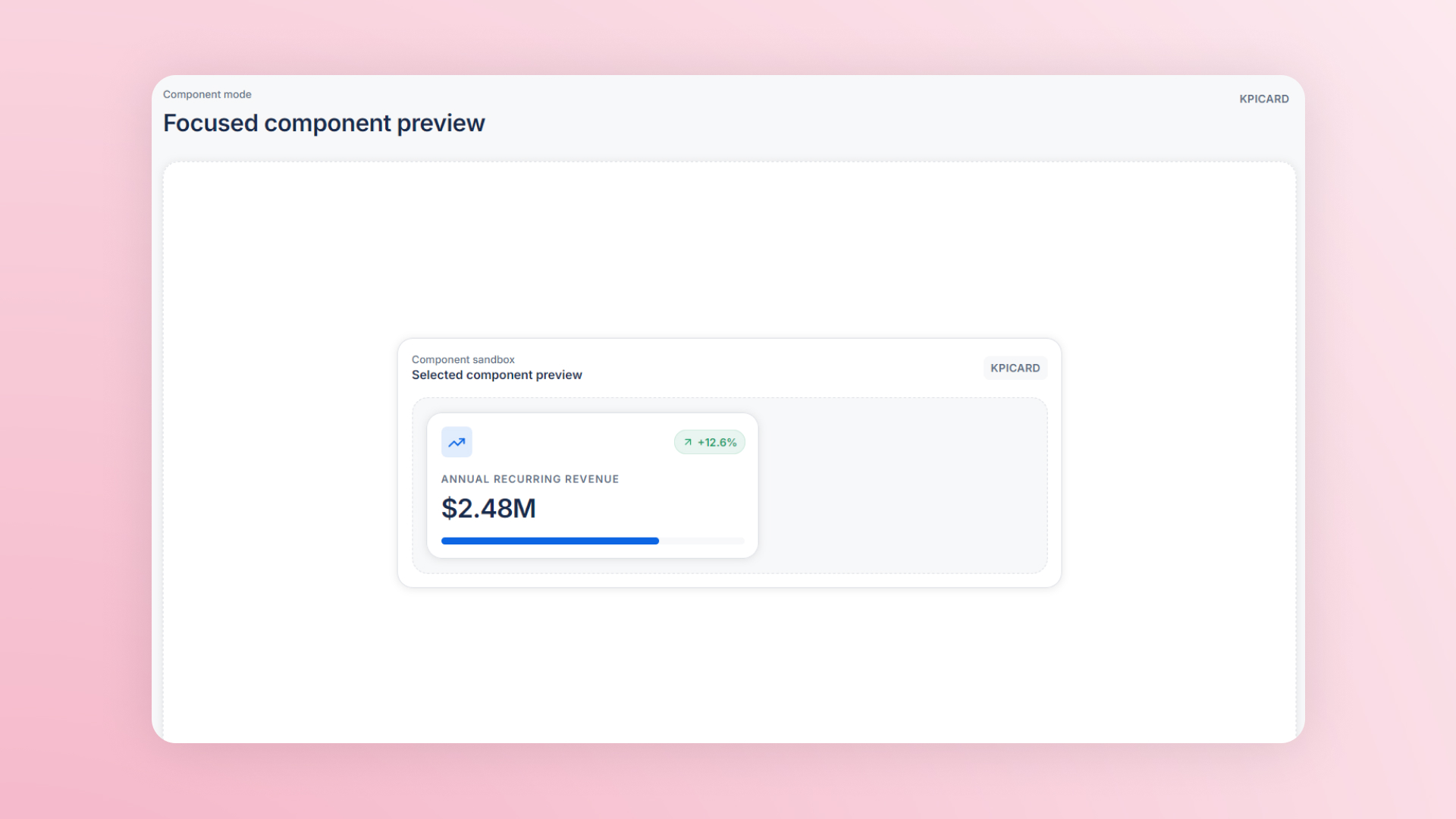
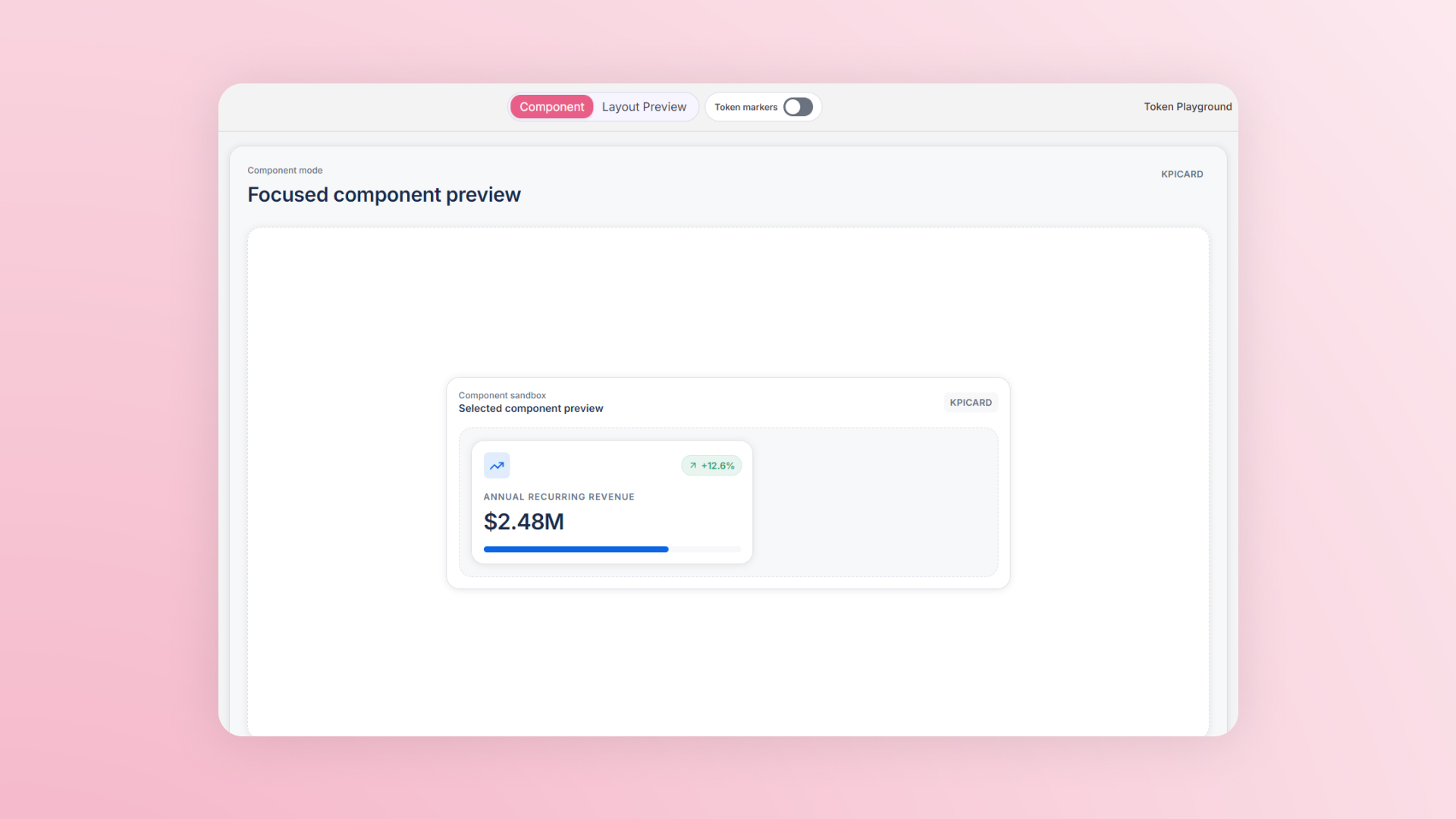
I made controls component-specific so the editor focuses on the values that affect the selected UI pattern.
Then, put it in context.
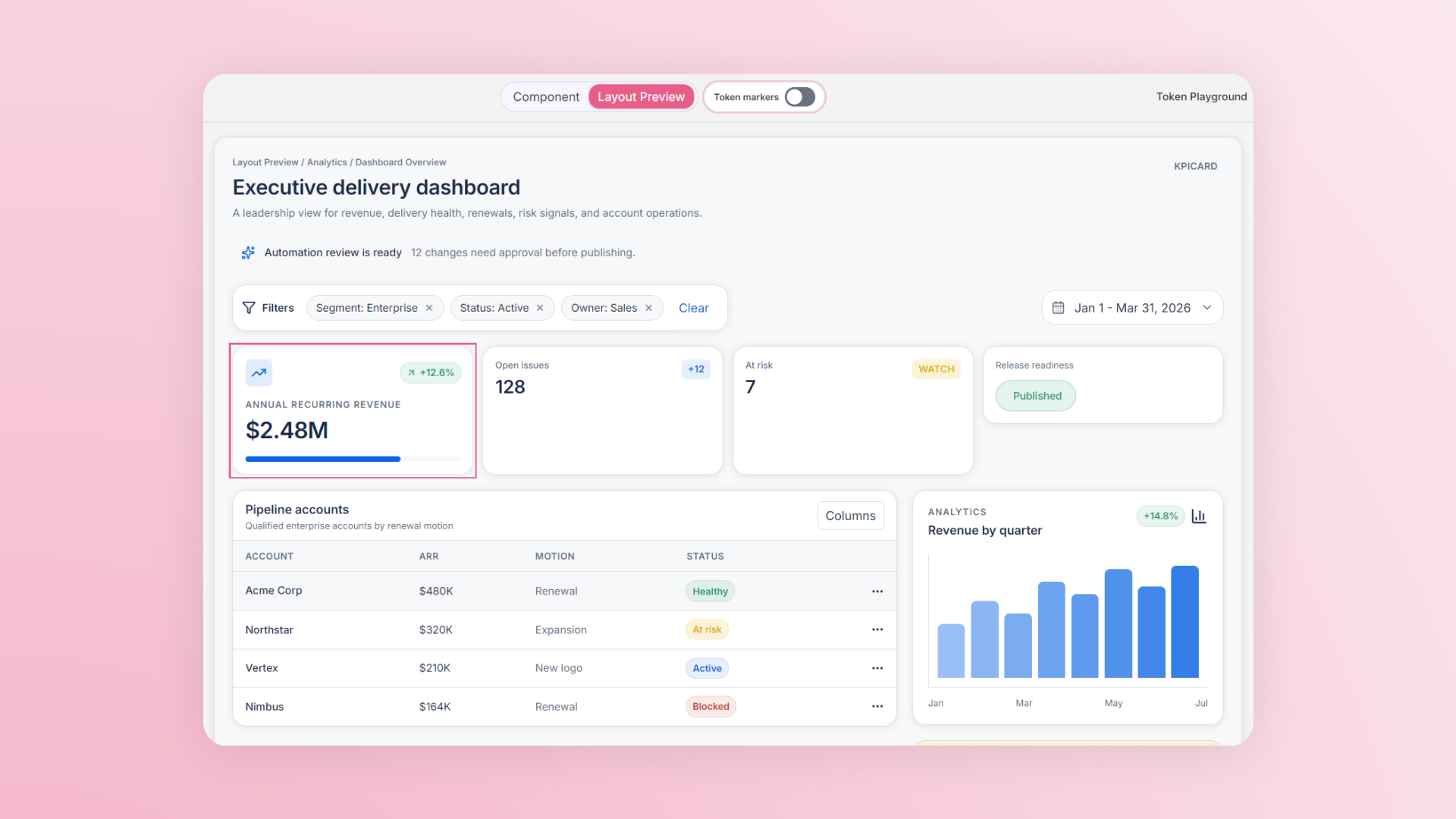
A swatch was not enough. Forms, analytics, navigation shells, and overlays make the consequences of a token change visible.
Finally, carry it into code.
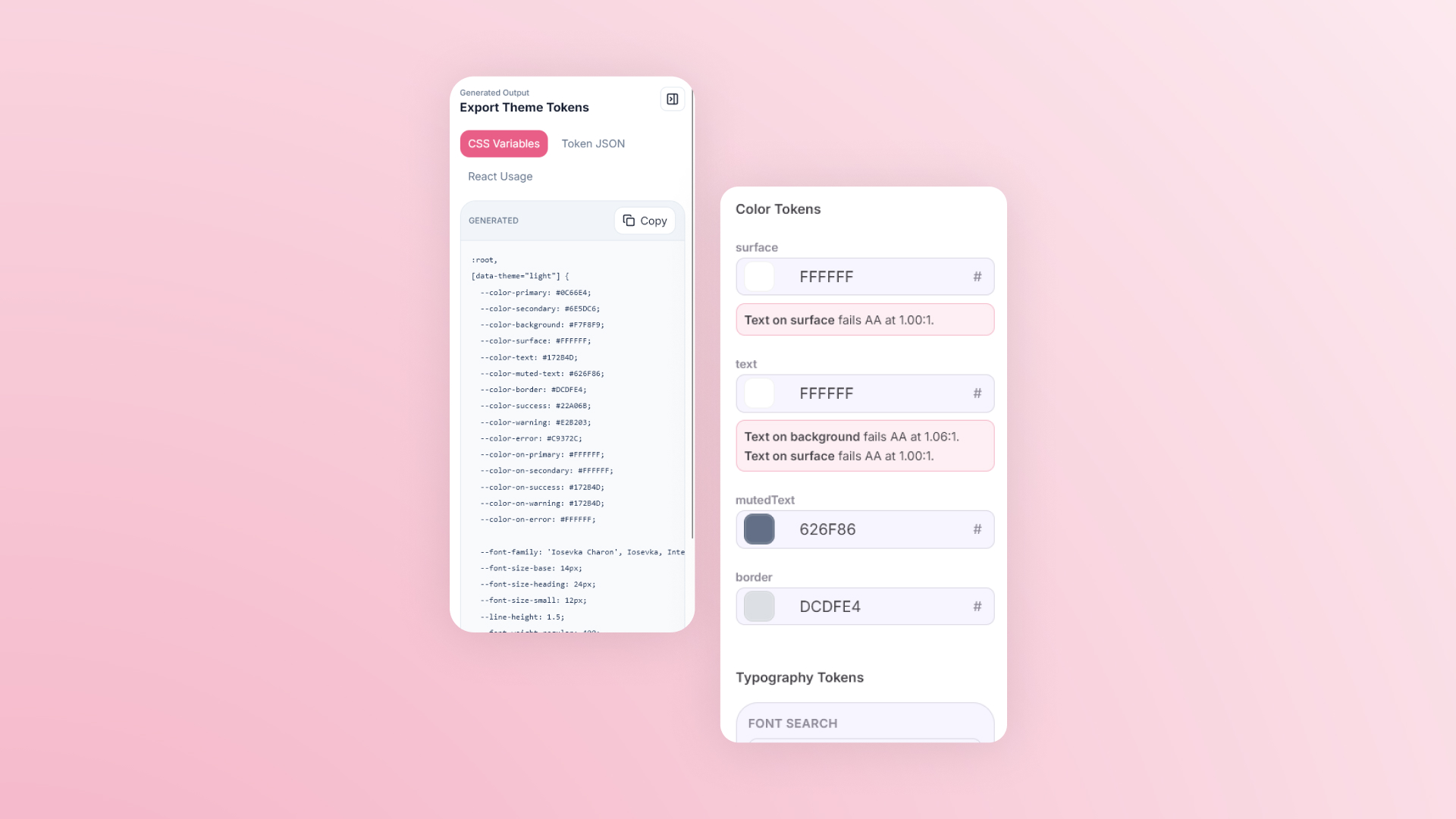
I connected CSS variables, token JSON, and React usage snippets to the same source, closing the gap between preview and handoff.
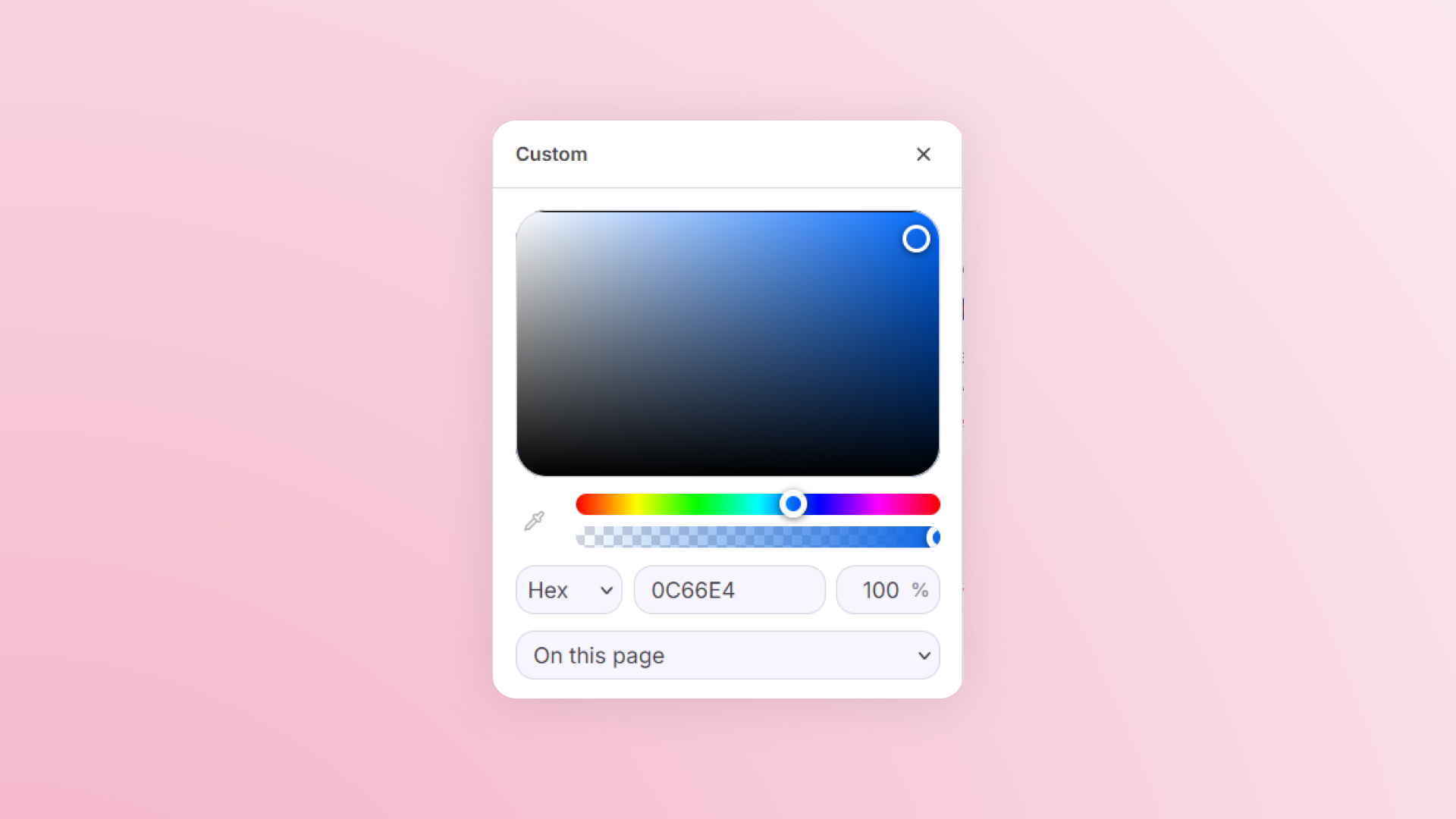
#0C66E4
12px
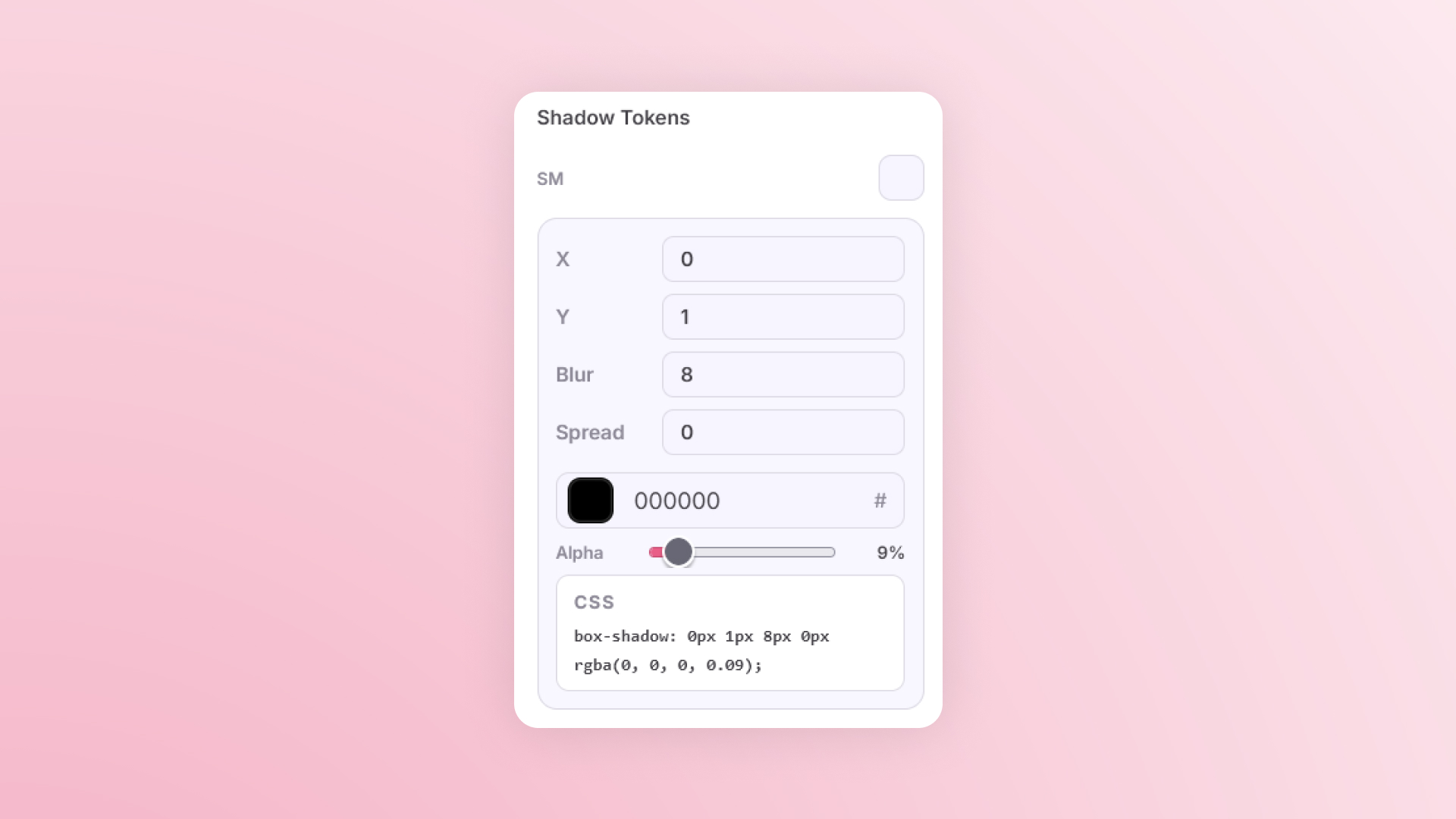
0 1 8
:root {
  --color-primary: #0C66E4;
  --radius-md: 12px;
  --shadow-sm: 0 1px 8px;
}CSSJSONReact
The decision
Keep the whole feedback loop in view.
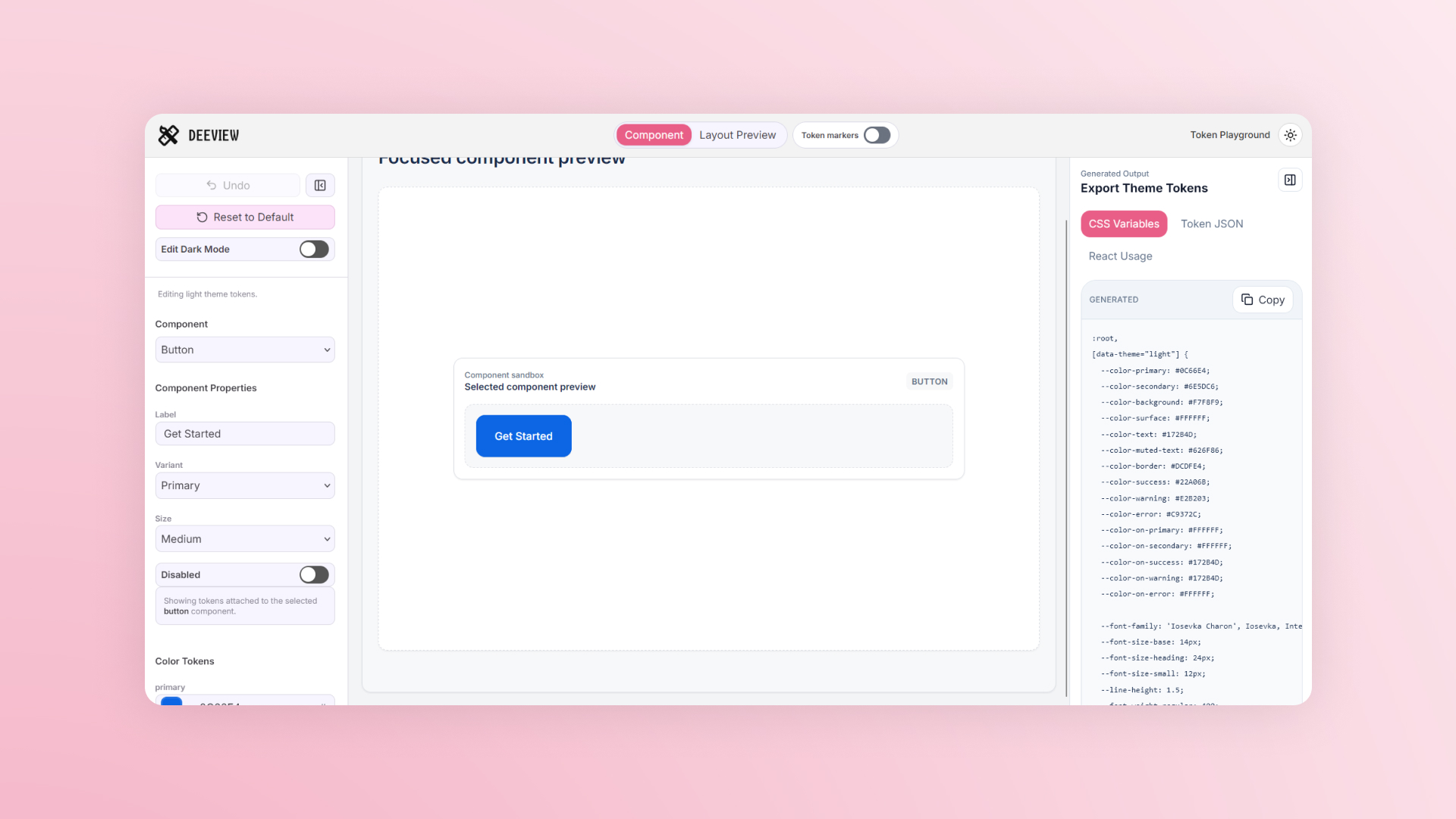
Left panel: token playground01
Center canvas: live preview02
Right panel: generated output03
Contrast safety checksAA
Undo and recovery actionsUndo
Light and dark token sets2
Making it work
One source had to power every surface.
I built the shell in Next.js and the three panels in React. Zustand keeps the shared state: tokens, selected component, preview mode, undo history, theme mode, and preferences. CSS variables apply token values to the preview surface.
Token editor
Zustand store
Preview CSS variables
CSS / JSON / React export
The working product
From abstract values to a working workspace.
The result is Deeview: light and dark token editing, focused component previews, enterprise layouts, and generated output in one tool. These eight product views show the loop in practice.
What I built
From design-system idea to working tool.
- Product strategyDefined Deeview as a token generator and preview playground for enterprise dashboards.
- UX designStructured the app around a three-zone edit, preview, and export workflow.
- Visual designCreated a restrained enterprise interface with dense panels and realistic dashboard surfaces.
- Frontend developmentBuilt the Next.js app, token editor, preview system, output panel, custom picker, and interactive components.
- Design-system logicMapped token groups to actual component usage so users can understand what each variable changes.